 UBI
Glass appearance options
Grey-bronze glass · Glass infill
Grey-bronze glass. Glass infill with the selected transparent, tinted, coated or patterned appearance. Confirm thickness, processing and the compatible frame before ordering.
Details you can see
Material illustrations. They show a transparent grey-bronze glass direction and do not prove an exact sample, colour or safety specification. The direction balances neutral grey with a restrained tea-brown tone and must not be read as orange amber, plain grey, mirror, frosted or opaque glass. Confirm the physical sample, tint and light transmission, glass type, thickness, edge processing, tempering or lamination, optical quality, frame and hardware compatibility, safety standard and current availability before specification.

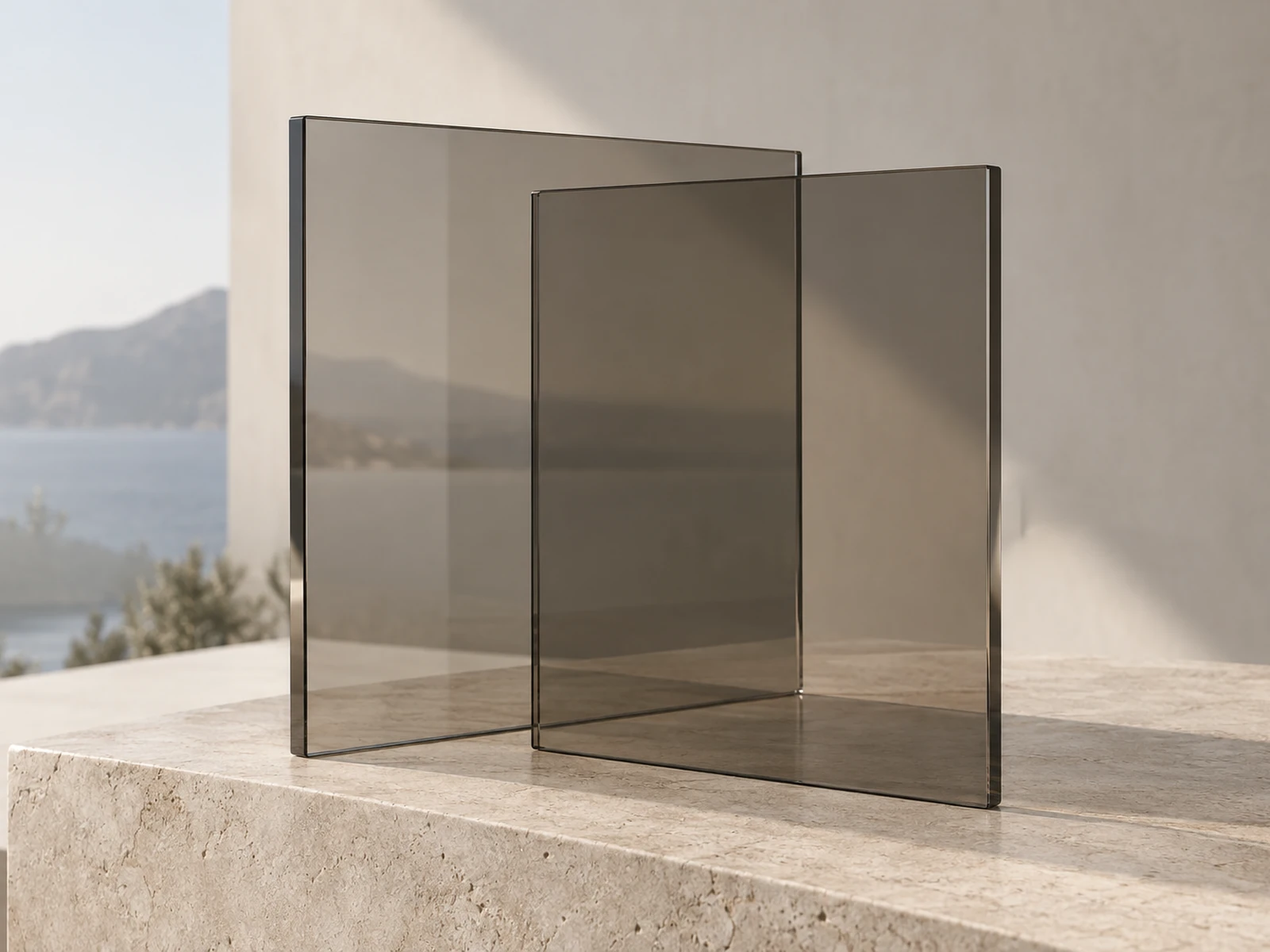
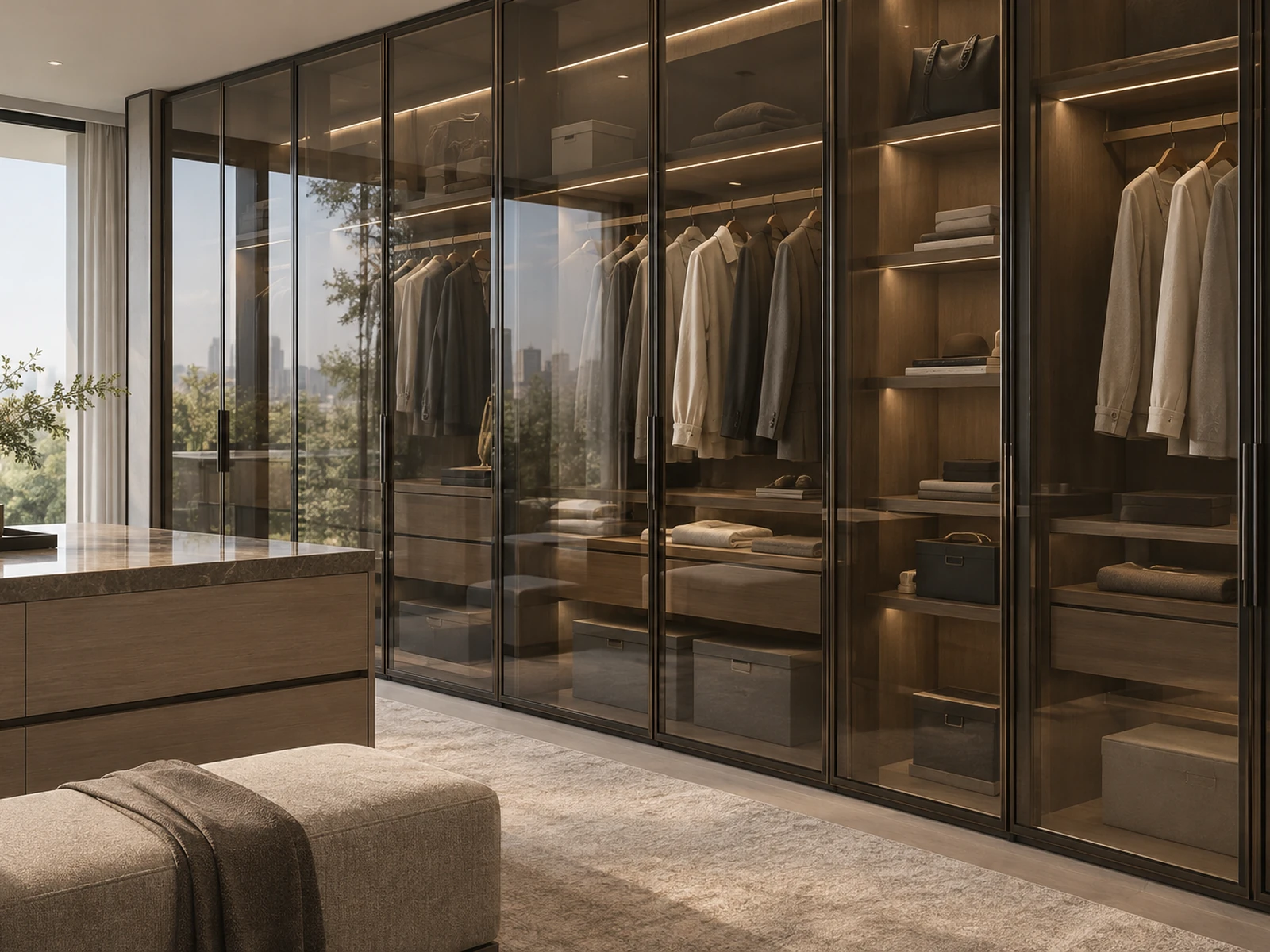
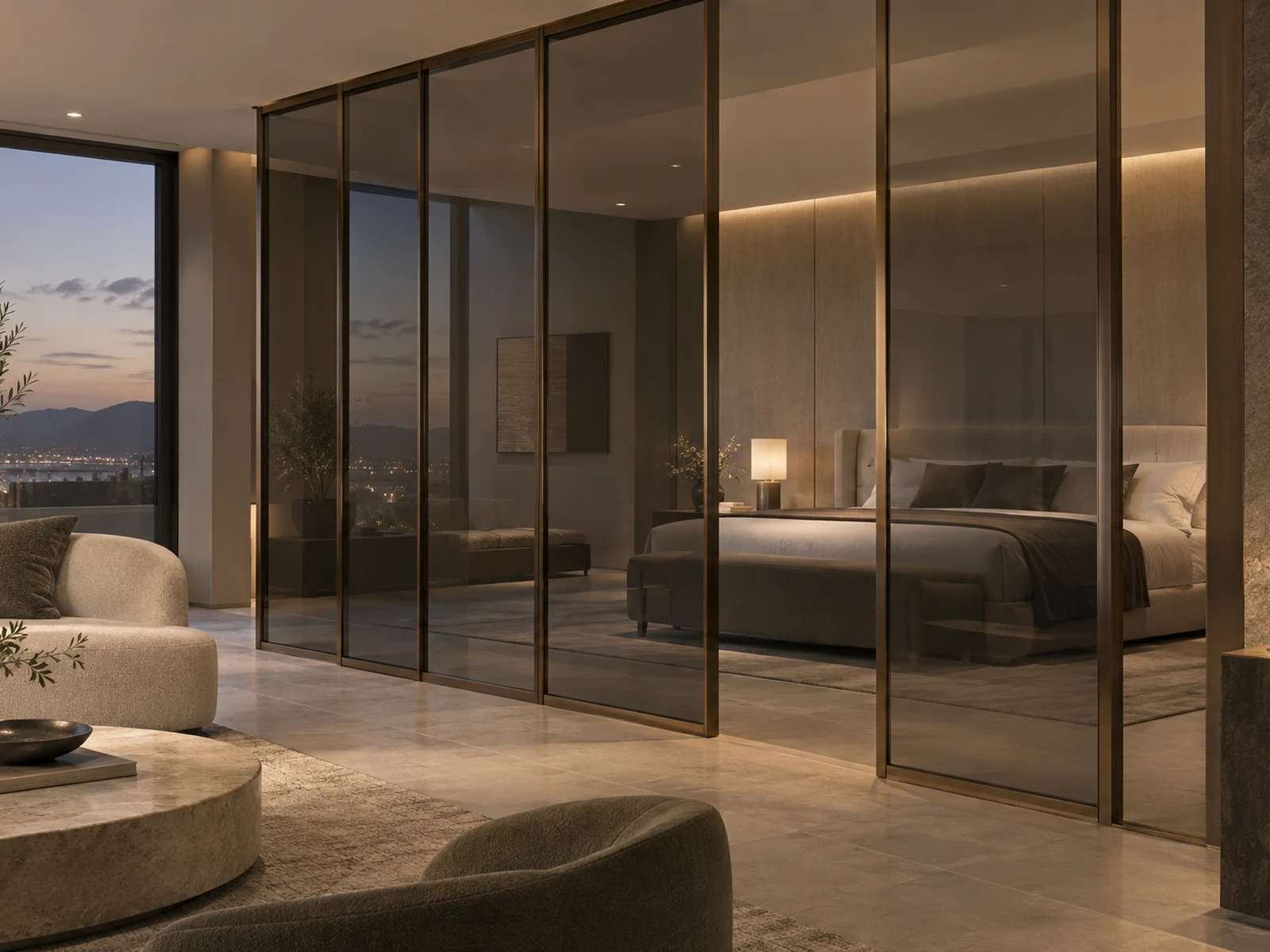
Grey-bronze glass · Glass infill. Compare this specific appearance with adjacent joinery and the selected lighting. The option combines a documented finish direction with its applicable construction; approve the physical sample before finalising the project specification.
Configuration & project checks
Colour direction
Grey-bronze glass
Surface treatment
Grey-bronze glass · Glass infill with the selected transparent, tinted, coated or patterned appearance. Confirm thickness, processing and the compatible frame before ordering.
Documented specification
Glass infill with the selected transparent, tinted, coated or patterned appearance. Confirm thickness, processing and the compatible frame before ordering. The appearance name does not establish toughening, laminated safety construction, coating performance or fire resistance.
Applications
Glass infill for the documented cabinet or interior-door context; frame and hardware compatibility are project-specific.
Availability & edition
Current finish, construction and order scope are agreed for each project after sample selection.
Delivery & lifecycle
Agree sample approval, production and shipment milestones separately. Retain the approved sample and discuss matching material for repairs or later additions.
Continue exploring
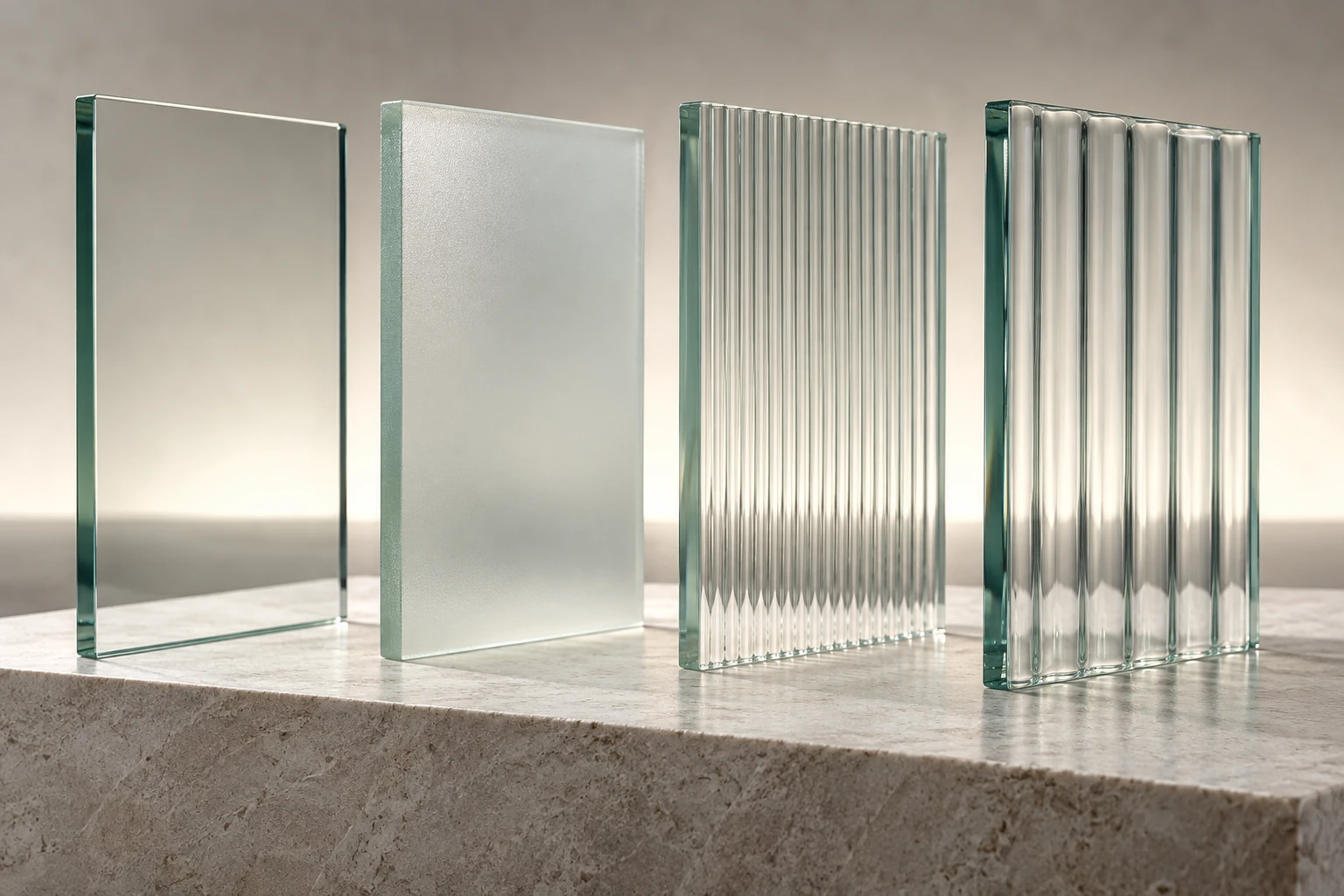
Choose your next step
Continue through the libraries, then bring your choices into a project brief.
START WITH YOUR PROJECT
A drawing. A material.
A place you have in mind.
Bring a rendering, CAD drawing, BOQ, sample or reference image. We can start from the information you have.
Start a project